



[Our Blogs]
Android Codes for Beginners: How to Access Hidden Settings and Features
The right technology decision starts long before development begins. Practical insight on building mobile apps, AI products, custom software and cloud platforms — aimed at the questions businesses need answered before they invest.

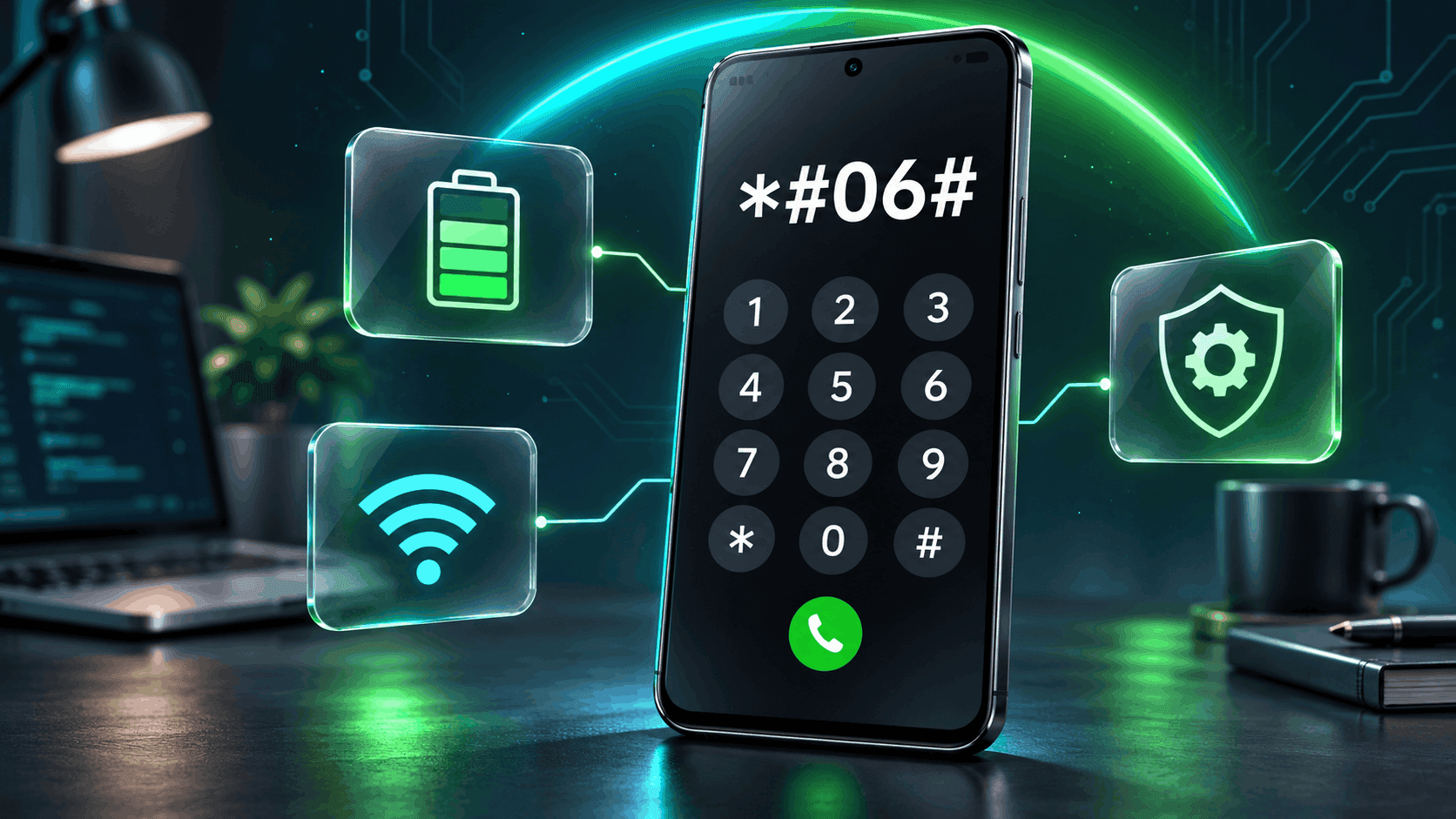
What Are Android Codes and How Do They Work?
Android codes are keypad sequences that can display information or launch functions supported by your phone. They usually contain numbers, asterisks, and hash symbols.
Local dialer codes are interpreted by the device. USSD, short for Unstructured Supplementary Service Data, sends requests to a mobile network, commonly for carrier services such as balance checks. Similar-looking sequences can therefore perform very different jobs. [1]
Manufacturers decide which diagnostic interfaces their software exposes. Android’s open-source implementation even allows the testing menu to be disabled on consumer builds. Consequently, an older code may stop working after a software change, while ordinary Settings features remain accessible. [2]
How to Use Android Codes Safely on Your Smartphone
- Check compatibility: Consult your manufacturer’s instructions for the exact model and code.
- Open the Phone app: Use its dial pad and enter the supported sequence carefully.
- Wait for a response: Many local codes open automatically. Carrier USSD requests may require Call; follow the carrier’s instructions.
- Read the result: Record relevant information and follow any diagnostic prompts. Leave unfamiliar radio and network controls unchanged.
Avoid unknown codes from unverified websites, especially factory-reset or data-erasing commands. Back up important information before changing advanced settings. Being able to open a menu does not mean every option is appropriate to modify.
Useful Android Codes Every Beginner Should Know
Use this reference as a starting point, then check support for your handset.
| Android Code | Function | Compatibility | Important Notes |
|---|---|---|---|
| *#06# | Displays IMEI information | Supported phones; software and carrier restrictions can apply | An identification lookup; also check About phone. |
| *#*#4636#*#* | Opens available testing information | Android builds that expose the testing menu | Contents vary; leave radio controls unchanged. |
| *#0*# | Opens hardware diagnostics | Supported Samsung Galaxy phones | Includes touchscreen and display tests; security settings may block access. |
| *#*#7287#*#* | Opens Pixel Repair Diagnostics | Supported Google Pixel phones | Requires internet access; Google lists English availability. |
Check your IMEI with *#06#
The International Mobile Equipment Identity identifies a cellular device. You may need it when arranging repairs or speaking with your carrier. Samsung documents this shortcut, while noting carrier support requirements. If it fails, look under Settings → About phone. Keep the identifier out of public screenshots. [3]
View testing information with *#*#4636#*#*
On supported software, this opens a testing interface that may include phone information, app usage statistics, and Wi-Fi information. Available screens vary. Treat it as an inspection tool: changing radio settings can disrupt connectivity. Do not expect a universal battery-health report or an automatic repair. [4]
Test Samsung hardware with *#0*#
Samsung’s documented menu includes TOUCH and RED, GREEN, BLUE tests. The touchscreen test helps identify areas that miss input; color screens can reveal display irregularities. If the menu is unavailable, use Samsung Members diagnostics. Auto Blocker can prevent code access, so the app provides a useful alternative. [5]
Open Pixel diagnostics with *#*#7287#*#*
Google documents repair diagnostics for Pixel 3 and later. Connect to the internet, enter the code, and follow the confirmation prompts. Use the guided checks before or after a repair. This phone workflow is separate from Google’s Pixel Tablet diagnostic procedure. [6]
Hidden Android Settings You Can Explore Without Secret Codes
Many useful controls are available directly in Settings:
- Developer Options: Find Build number, usually under About phone, and tap it seven times. Samsung commonly places it under Software information.
- USB debugging: Enables communication with development tools. Enable it only when needed and authorize trusted computers.
- Animation scales: Lower values shorten supported visual transitions; they do not upgrade the processor. [7]
- Battery usage: Review which apps consume power and their background activity before changing restrictions. [8]
- App permissions and Privacy Dashboard: Review which permissions apps have and check recent camera, microphone, and location access. [9]
- Notification controls: Review whether individual apps can show alerts. [10]
Menu names vary. Inspecting information is a sensible first step; advanced debugging, background-process, and radio controls need more care.
How Android Codes Help With Smartphone Troubleshooting
Start with a specific symptom. For missed taps, run a supported touchscreen test. If it passes but one app still misbehaves, investigate that app’s behavior. For connectivity problems, compare Wi-Fi and mobile data, then record available network information for support. [5]
For battery drain, inspect Battery usage instead of searching for a “battery reset” code. Note when the problem occurs and whether it started after an update. [8]
An IMEI helps support identify the device. Diagnostic results help narrow an investigation, but they cannot replace professional repairs or application security testing.
Android Codes and Their Role in Android Software Testing
Dialer checks can reveal device-level clues. Professional Android software testing also examines compatibility, hardware interactions, network behavior, stability, battery efficiency, permissions, security, and usability. [11]
Developers use Android Studio to build and debug applications. Android Debug Bridge (ADB) connects development computers to devices for installation and debugging; it is a separate tool from Phone-app codes. [12]
The Android Emulator supports virtual device configurations and simulated network conditions. Espresso and Jetpack Compose testing APIs automate interface checks, alongside tests on physical phones. [13] [14]
For example, a delivery-app test could interrupt connectivity during an upload, deny camera access, and verify that the user can recover without losing their work.
Modern Android Technology: Security, AI, and Cloud Integration
On supported devices, ML Kit uses Gemini Nano for tasks such as on-device text summarization. Availability depends on hardware and software. Android also provides permission controls and system biometric authentication for compatible devices. [15] [16] Its app sandbox limits one app’s access to another app’s data. [17]
Cloud application development services can connect apps to authentication, shared records, and backend processing. Broader cloud computing and software development services support scaling, monitoring, and business-system integration.
For example, Firestore lets Android apps work with cached data offline and synchronize changes when connectivity returns. Cross-device experiences still need clear rules for conflicting updates. [18] Automated tests and performance monitoring help teams maintain these connected workflows.
From Android Codes to Custom Android Application Development
Understanding system behavior matters in custom Android application development. A business app should handle interrupted connections, permission changes, and different screen sizes without confusing its users.
When choosing an Android apps development company, ask how it tests those situations and maintains applications after launch.
App Vertices provides mobile app and custom software development, including product planning, interface design, development, testing, and maintenance. Its services span business applications, e-commerce, enterprise systems, AI features, and cloud integration. The useful starting point is a clear workflow: who uses the app, what they need to accomplish, and which systems it must connect to.
Why Businesses Need Connected Mobile and Web Solutions
An Android application often shares data with a website, backend services, and administrative tools. A website development firm handling B2B website development should coordinate permissions, data structures, and workflows with the mobile team.
Consider a wholesaler: field representatives record orders through an Android app, customers check deliveries through a B2B portal, and managers review operational reports. Shared backend records can reduce repeated data entry. App Vertices’ mobile, web, and cloud services address these connected software requirements.
Explore Android Codes with Greater Confidence
Start with a clear goal before trying Android codes on your smartphone. For example, decide whether you need device information or help investigating a particular issue. Next, check your manufacturer’s instructions for a supported code or diagnostic tool. However, avoid assuming that a code recommended for another phone will work on yours. Read any on-screen instructions carefully before changing a setting. In addition, keep a record of useful results while leaving personal device identifiers out of public screenshots. Finally, share relevant findings with official support when you need further help. As a result, you can explain what you have already checked and make the troubleshooting conversation more productive.
When Android Codes Don’t Work: Simple Next Steps
First, check that you entered the Android code exactly as shown in your manufacturer’s instructions. For example, compare every asterisk, hash symbol, and digit before trying again. However, if nothing happens, avoid assuming that your phone has a fault. Instead, confirm that the instructions apply to your model and software version. In addition, look for the information you need in the Settings app or an official support tool. If an error appears, note its exact wording before closing the screen. Finally, share those details when contacting support so you can explain the problem clearly and get more relevant guidance.
Frequently Asked Questions About Android Codes
What are Android codes used for?
Android codes can display device identifiers or open supported diagnostic menus. Their purpose and availability depend on the code, phone manufacturer, and installed software.
How can I access hidden settings on my Android phone?
Use a manufacturer-supported dialer code or enable Developer Options through Build number. Standard Settings already contains battery, notification, and permission controls.
Do Android secret codes work on every smartphone?
No. Samsung, Pixel, and other manufacturers expose different tools. Firmware, carrier requirements, and security settings can also affect whether a particular code works.
Are Android codes safe to use?
Documented information lookups are generally low risk. Unknown codes or changes inside service menus may affect settings or data. Avoid reset commands and unfamiliar controls.
How are Android codes different from Developer Options?
Codes are entered through the dialer to trigger supported functions. Developer Options is a Settings menu for debugging and system behavior controls.
How do developers test custom Android applications?
They combine automated tests, emulators, physical devices, debugging, and performance checks. Testing should cover ordinary tasks alongside failures such as lost connectivity and denied permissions.
Conclusion — Explore Android Features With Confidence
Android codes are useful when you know what information you need and whether your phone supports the command. Start with documented lookups, use guided diagnostics, and rely on standard Settings for everyday controls.
For businesses, the same attention to device behavior helps shape dependable applications. If you are planning a mobile product, explore App Vertices’ Android development services to discuss its users, integrations, testing requirements, and ongoing support.