







MADE FOR THE BOLD
Design experience, not just screens. Tell stories, not just taglines.





[ The AppVertices ]
AppVertices designs, builds, and scales mobile, web, AI, and cloud software for startups and enterprises across the United States. We take ideas from concept to fully functional products and modernize systems that need to perform better today.



 100+ Global Clients





[ aBOUT uS ]
Your technology partner for building, scaling, and modernizing digital products that actually work.

MADE FOR THE BOLD
Design experience, not just screens. Tell stories, not just taglines.
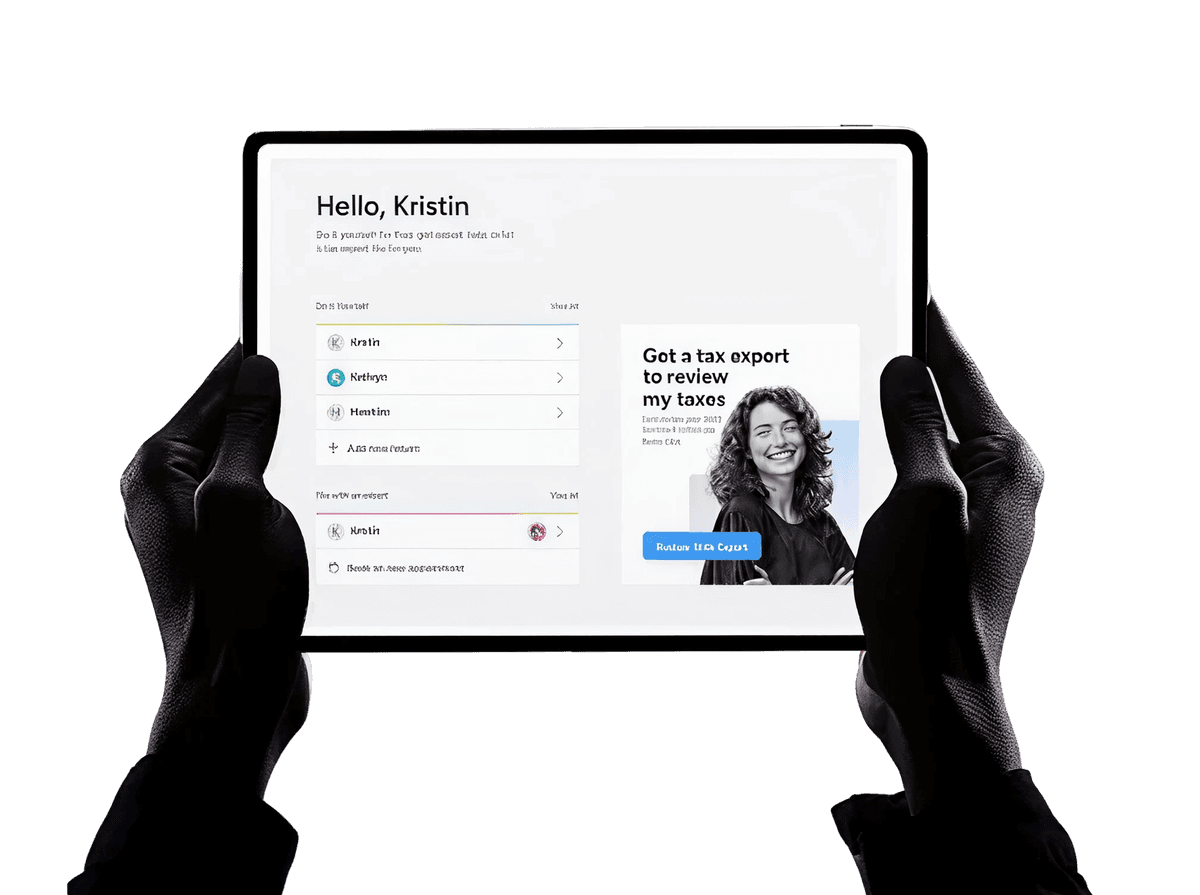
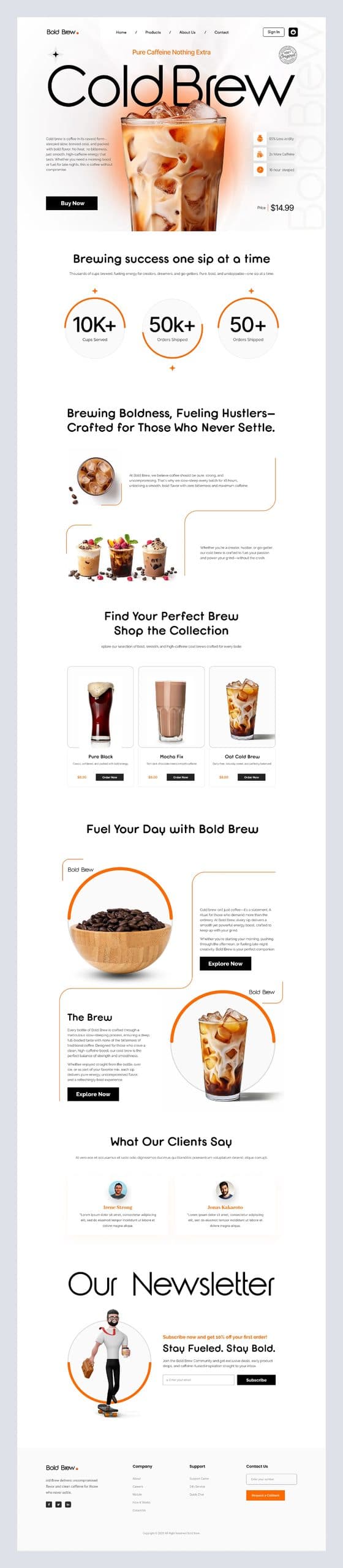
Modern websites crafted for growing businesses.
+
%



Design experiences,
not just a layout
Experienced developers, designers and QA engineers on one team, on frameworks chosen for your project rather than for fashion, with support that continues long after launch.

Our experienced developers, designers, and QA engineers work together to deliver reliable, high-quality software with fewer communication gaps.
We choose frameworks and platforms based on your project's needs, not trends, so your software stays reliable and secure long-term.
Launch isn't the finish line. We monitor, maintain, and improve your software after deployment, keeping performance steady long after launch.








 View Project
 View Project
Baby Spacezone
 View ProjectView Project
Pride Real Estate
 View ProjectView Project
Embody Now
 View ProjectView ProjectView ProjectView Project
Baby Spacezone
View ProjectView ProjectPride Real Estate

I worked with AppVertices on a mobile app project and was impressed by their professionalism and organized process from start to finish.
Nadim Husam
Head of Digital Initiatives, Leading Transportation Ministry
AppVertices delivered a solid app for our real estate business. Their technical skills and constant support, especially from Max, made the process worthwhile.
Amanda Clark
CEO/Founder, Htown App
AppVertices built a custom internal system that simplified our workflows across departments. The intuitive interface and performance made a real difference.
David Therrien
Head of Marketing, Manufacturing Company
As a CTO, I found their work exceptional. They delivered a secure, scalable dashboard with great usability and excellent post-launch support.
James Dailey
CTO, Technology Company
AppVertices developed our AR science app, and it exceeded expectations. Their team felt like a true partner from day one, and the results speak for themselves.
Maria Smith
Co-Founder, Scilens
We approached AppVertices to revamp the UI/UX of our online learning platform. Their design team transformed our user interface into an intuitive and engaging experience.
Allen Mitchell
CEO, Education Training Center
We follow a structured process for every project, from the first conversation to long-term support after launch, so you always know what’s happening and what comes next.

We start by understanding your business, users, and goals through in-depth conversations, competitor research, and technical assessment, so every decision that follows is grounded in real project requirements, not assumptions.
Our team defines scope, timeline, technology stack, and budget, mapping out milestones and deliverables clearly, so you know exactly what's being built, when it ships, and what it costs upfront.
Designers create wireframes, prototypes, and visual designs that reflect real user behavior, letting you test the experience early and refine the interface before development begins, saving time and rework later.
Developers write clean, tested code using the right frameworks for your project, working in short sprints with regular check-ins, so you see real progress and can adjust course as needed.
QA engineers test functionality, performance, security, and usability across devices, platforms, and browsers, catching bugs early so what finally launches feels stable, fast, and dependable for every single real user.
We handle the release process carefully, configuring servers, running final checks, and monitoring closely during launch, so your product goes live smoothly without downtime, errors, or surprises for your users.
After launch, we keep monitoring performance, fixing issues quickly, and rolling out updates as your business grows, so your software stays secure, current, and capable of handling demands over time.

Different industries run on different rules, workflows, and users, so we build software shaped around how your specific business actually operates.

Logistics & Supply Chain


Healthcare

Fintech
Education & EdTech
Ecommerce & Retail

Figma

Adobe XD

Sketch

After Effects

Visual Studio

Sublime Text

Angular

Bootstrap

Node.js

React Native
AppVertices is a software development company that builds mobile apps, web applications, AI solutions, cloud infrastructure, and custom software for startups and enterprises across multiple industries.

[ The AppVertices ]
AppVertices designs, builds, and scales mobile, web, AI, and cloud software for startups and enterprises across the United States. We take ideas from concept to fully functional products and modernize systems that need to perform better today.
100+ Global Clients[ aBOUT uS ]
Your technology partner for building, scaling, and modernizing digital products that actually work.
MADE FOR THE BOLD
Design experience, not just screens. Tell stories, not just taglines.
Modern websites crafted for growing businesses.
+86%
Design experiences,
not just a layout

Customers are impatient with slow, confusing mobile experiences. Our mobile app development services build iOS, Android, and cross-platform apps for consumer services, payments, healthcare, retail, and workforce operations. We handle product strategy, UX, development, APIs, cloud integration, testing, and app store deployment. Whether employees need faster workflows or customers need simpler digital services, we create mobile products designed around how people actually use them.
Get a Quote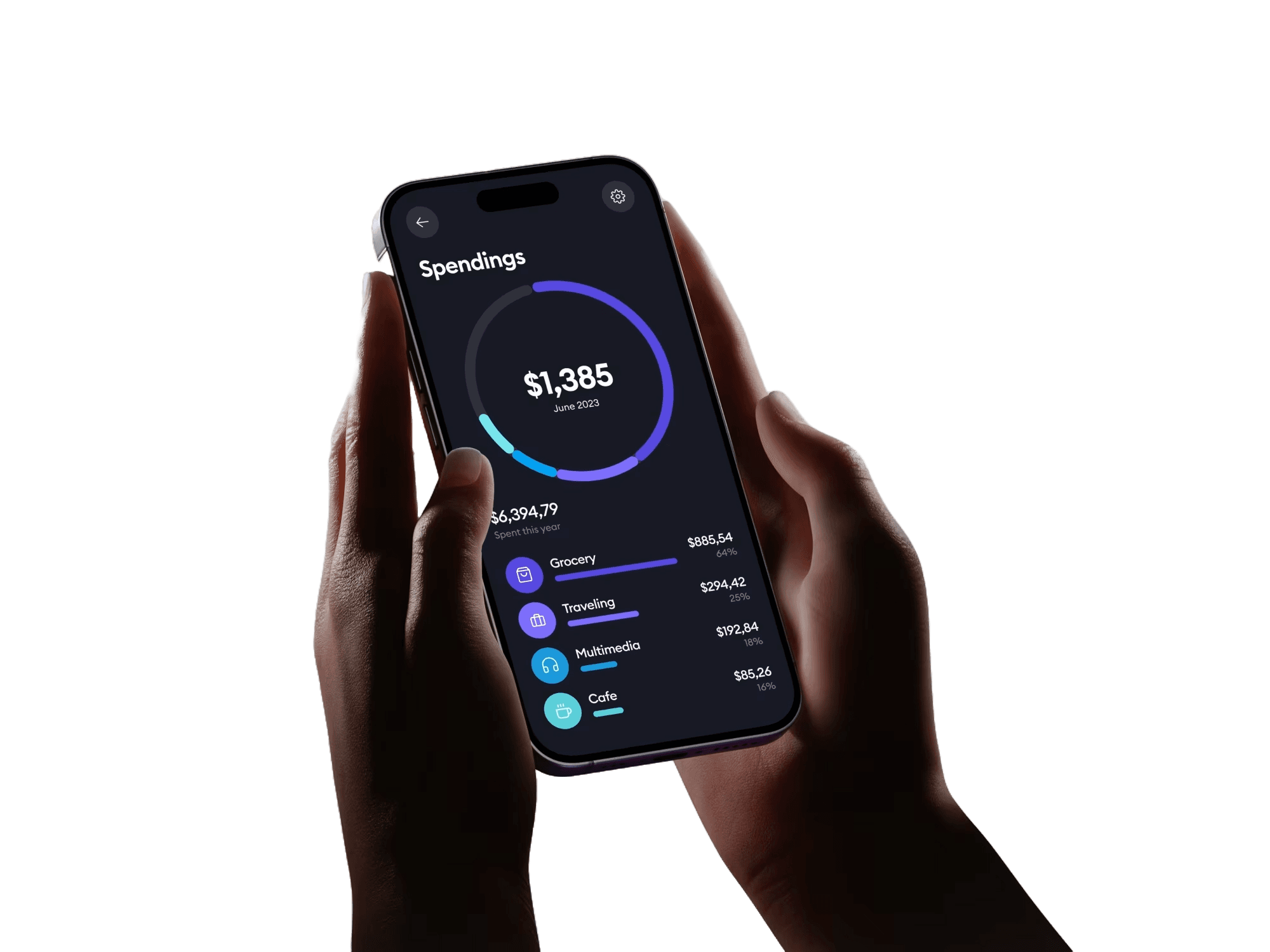
US businesses are adopting AI to reduce manual work, improve service, and compete faster. Our AI development services cover generative AI, AI agents, machine learning, chatbots, natural language processing, and computer vision. We connect these technologies to existing business systems rather than treating AI as a standalone feature. From customer support automation to demand forecasting and document processing, we build practical solutions with security, governance, and measurable business value.
Get a Quote
A web platform has to serve customers, employees, and business operations without creating unnecessary friction. Our web development services cover customer portals, SaaS platforms, ecommerce systems, progressive web apps, and internal applications. We use modern frameworks and integrations to create fast, accessible experiences that work across devices. From simplifying online purchases to replacing manual processes, we build web products around specific workflows, user expectations, and measurable business goals.
Get a Quote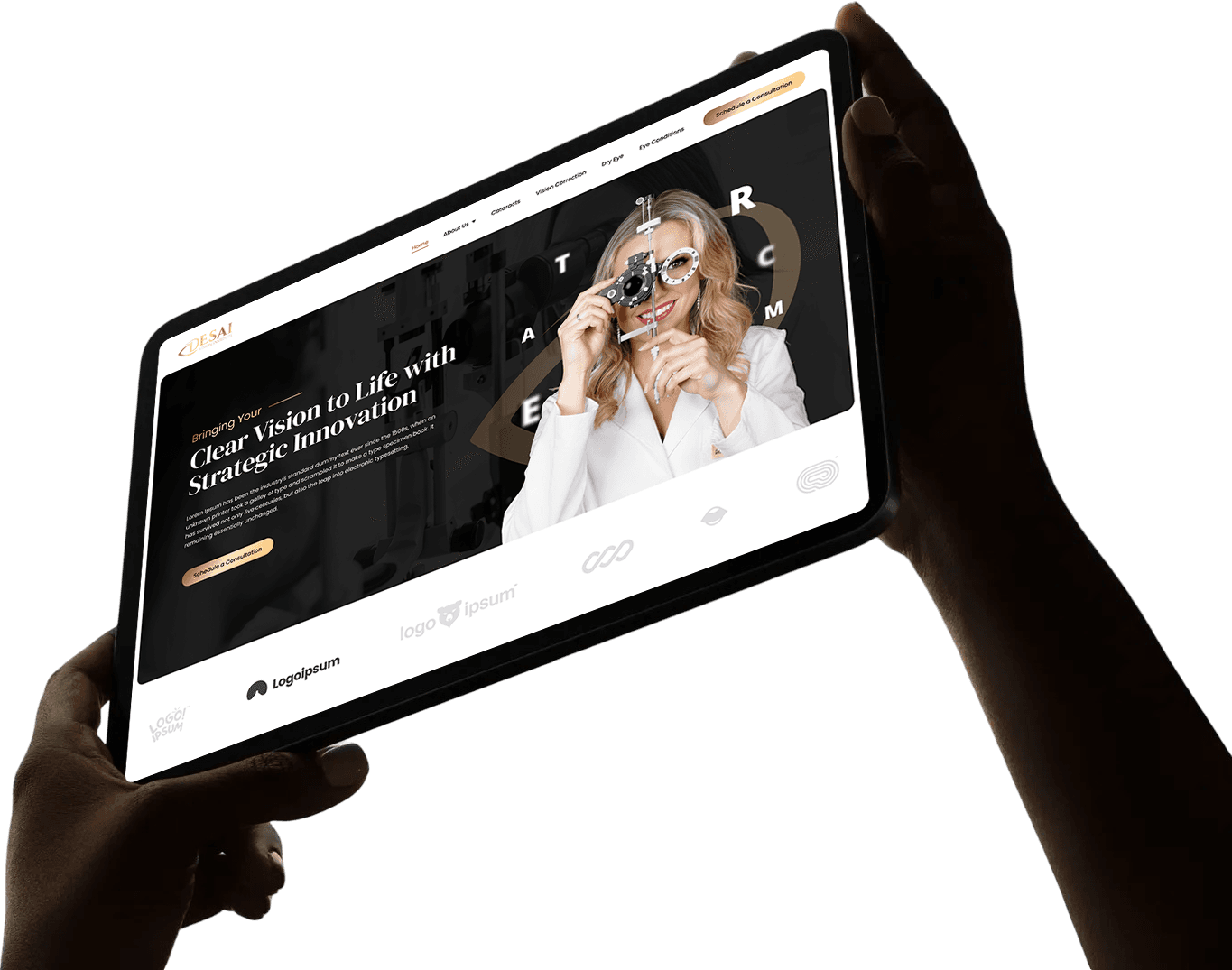
Cloud infrastructure directly affects how quickly US companies can launch products, manage workloads, and control technology spending. Our cloud development and DevOps services cover migration, application modernization, infrastructure automation, CI/CD, monitoring, and scalable architecture across AWS, Azure, and Google Cloud. We help engineering teams release updates with fewer manual steps, improve system reliability, strengthen security, and use cloud resources efficiently as traffic, customers, and operational requirements change over time.
Get a Quote
Businesses often rely on software that was never designed for their current scale or workflows. Our custom software development services create CRMs, ERPs, workflow platforms, portals, and enterprise applications tailored to specific operations. We also modernize legacy systems and connect existing tools through APIs and integrations. This helps teams replace spreadsheets, reduce duplicate work, improve information flow, and give employees technology that supports their processes instead of forcing them into rigid systems.
Get a Quote
As AI adoption grows, US companies are generating more operational and customer data across disconnected systems. Our business intelligence services bring that information together through data pipelines, analytics platforms, reporting automation, and interactive dashboards. We help teams monitor revenue, customer behavior, operations, and performance from reliable data sources. Instead of relying on delayed spreadsheets or fragmented reports, leaders get timely information they can use to identify opportunities, manage resources, and respond.
Get a QuoteExperienced developers, designers and QA engineers on one team, on frameworks chosen for your project rather than for fashion, with support that continues long after launch.
Our experienced developers, designers, and QA engineers work together to deliver reliable, high-quality software with fewer communication gaps.
We choose frameworks and platforms based on your project's needs, not trends, so your software stays reliable and secure long-term.
Launch isn't the finish line. We monitor, maintain, and improve your software after deployment, keeping performance steady long after launch.
I worked with AppVertices on a mobile app project and was impressed by their professionalism and organized process from start to finish.
AppVertices delivered a solid app for our real estate business. Their technical skills and constant support, especially from Max, made the process worthwhile.
AppVertices built a custom internal system that simplified our workflows across departments. The intuitive interface and performance made a real difference.
As a CTO, I found their work exceptional. They delivered a secure, scalable dashboard with great usability and excellent post-launch support.
AppVertices developed our AR science app, and it exceeded expectations. Their team felt like a true partner from day one, and the results speak for themselves.
We approached AppVertices to revamp the UI/UX of our online learning platform. Their design team transformed our user interface into an intuitive and engaging experience.
Partner with a certified and experienced team of mobile app developers, UI/UX designers, digital marketing experts, and consultants to create top-tier solutions. We’re more than just a tech company — we deliver holistic digital solutions that drive business transformation
We start by understanding your business, users, and goals through in-depth conversations, competitor research, and technical assessment, so every decision that follows is grounded in real project requirements, not assumptions.
Our team defines scope, timeline, technology stack, and budget, mapping out milestones and deliverables clearly, so you know exactly what's being built, when it ships, and what it costs upfront.
Designers create wireframes, prototypes, and visual designs that reflect real user behavior, letting you test the experience early and refine the interface before development begins, saving time and rework later.
Developers write clean, tested code using the right frameworks for your project, working in short sprints with regular check-ins, so you see real progress and can adjust course as needed.
QA engineers test functionality, performance, security, and usability across devices, platforms, and browsers, catching bugs early so what finally launches feels stable, fast, and dependable for every single real user.
We handle the release process carefully, configuring servers, running final checks, and monitoring closely during launch, so your product goes live smoothly without downtime, errors, or surprises for your users.
After launch, we keep monitoring performance, fixing issues quickly, and rolling out updates as your business grows, so your software stays secure, current, and capable of handling demands over time.
Different industries run on different rules, workflows, and users, so we build software shaped around how your specific business actually operates.
FigmaAdobe XDSketchAfter EffectsVisual StudioSublime TextAngularBootstrapNode.jsReact NativeAppVertices is a software development company that builds mobile apps, web applications, AI solutions, cloud infrastructure, and custom software for startups and enterprises across multiple industries.
Yes. We help startup founders validate ideas and build MVPs that can launch quickly, gather real user feedback, and scale once the product proves itself in the market.
Yes. We work with startups and enterprises across the US, including businesses in Houston, Dallas, Austin, and other parts of Texas, as well as New York, Chicago, Los Angeles, California, Miami, San Francisco, and Washington DC. Whether you need on-site collaboration or remote-first support, our team works with businesses across these major US markets and beyond.
Yes. That includes machine learning models, generative AI features, AI agents, chatbots, and computer vision, scoped around a real business problem rather than added for its own sake.
Yes. AppVertices provides complete cloud consultancy and helps businesses plan, migrate, and modernize their cloud infrastructure across AWS, Azure, and Google Cloud. We also implement DevOps practices to streamline deployments, improve reliability, and keep cloud costs under control.


