Building Iconic Game Characters for Mobile Apps: From Concept to Code
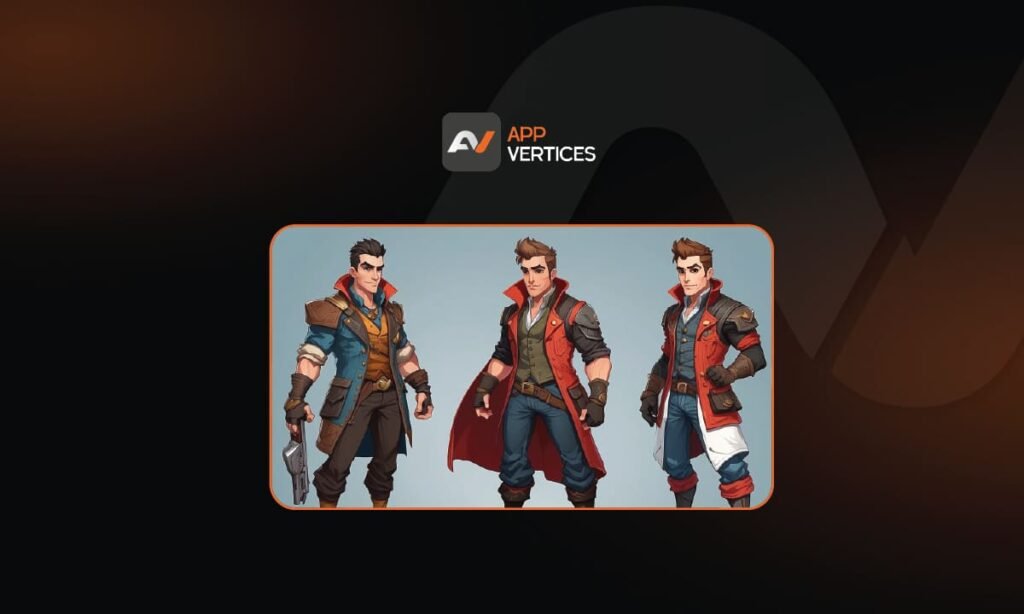
Great mobile games are often remembered through their game characters before anything else. Players may forget a tutorial screen or even a level name, yet they usually remember a hero, a rival, a companion, or even a simple mascot if that character feels distinctive enough. That is why character creation is not just an art task. It is also a product, gameplay, and technical decision. A character has to look memorable, fit the game’s tone, animate well, read clearly on small screens, and still perform efficiently on a wide range of devices. Unity’s 2D and animation documentation makes that production reality visible by connecting character work to sprites, rigging, skinning, and runtime optimization rather than treating it as concept art alone. That is also why building a strong character for a mobile game usually moves through several connected stages: concept development, visual simplification, gameplay role definition, rigging or setup, animation, engine implementation, optimization, and testing. If one of those stages is weak, the character may still look attractive in a static mockup but fail inside the actual game. So, when teams talk about iconic characters, they should think beyond appearance. They should think about how the character performs as a complete in-game system. Why mobile game characters need a different mindset Designing for mobile changes the character process in important ways. On a phone, screen space is limited, visual noise becomes a bigger problem, and performance budgets are often tighter than developers expect. Unity’s mobile optimization guidance stresses that mobile projects should be optimized throughout development because performance issues are easier to prevent early than fix late. Android’s official game optimization documentation also emphasizes that mobile art and rendering decisions directly affect performance and power use. In practice, that means a mobile character usually benefits from clarity more than excess detail. Strong silhouettes, readable shapes, focused color contrast, and animation that communicates action quickly often matter more than tiny visual embellishments. This is one reason character work for mobile game apps often succeeds when teams design for readability first and decoration second. The smaller the screen and the faster the play session, the more important immediate visual communication becomes. This is partly an inference from mobile optimization and touch-focused design guidance, but it fits the production realities described in official engine and platform documentation. Start with role before appearance A lot of character work goes wrong because teams begin with costume ideas before defining the character’s purpose. However, a stronger process usually starts with role. Is the character a player avatar, an enemy, a guide, a collectible mascot, or a story anchor? Does the character need to communicate speed, danger, friendliness, power, mystery, or humor? Those answers shape everything that comes next. Once the role is clear, the design choices become more disciplined. A fast-moving runner character may need a simpler silhouette and clearer motion cues. A strategy-game villain may need a shape language that reads instantly from a zoomed-out view. A puzzle-game companion may need emotional clarity more than animation complexity. The key point is that iconic game characters usually feel memorable because their design aligns tightly with what players are supposed to understand about them. That is design logic more than visual decoration. Concept art should solve communication problems Concept art is often treated as the glamorous stage of character development, yet its real job is practical. It should test shape, color, attitude, costume logic, and tone before production begins. A concept sheet should help the team answer questions such as: This is especially important for mobile because the final asset may appear in several contexts: gameplay view, menus, progression screens, marketing art, and notifications. If the concept only works in a high-resolution illustration, it may not survive the move into gameplay. Therefore, concept art is most useful when it already considers how the character will function inside the product. Build for animation as early as possible One of the biggest mistakes in character production is creating art that looks polished but is difficult to animate or implement. That usually happens when concept and production are treated as separate worlds. In reality, the character pipeline works better when animation constraints are considered early. Unity’s official 2D animation documentation describes a workflow where developers create bones, generate meshes, and adjust weights for an actor in the Skinning Editor after import. That means the art has to support rigging and deformation decisions from the start. Unity’s rigging guidance makes it clear that character art is not just “finished” when the illustration is done; it must also be prepared for animation behavior. So, whether the character is frame-by-frame animated or rigged with bones, the production team should ask early: That kind of planning helps keep the character expressive without creating unnecessary production weight. The difference between 2D and 3D character pipelines The “from concept to code” path looks different depending on whether the character is 2D or 3D. In 2D production, teams often work with sprites, cutout rigs, frame-based animation, or a mix of both. Unity’s 2D tools specifically support sprites, Sprite Atlases, and 2D animation workflows. In 3D production, the process usually adds sculpting, modeling, rigging, skinning, texturing, and runtime animation systems. That is where specialized 3d game services often become more relevant, especially for games that need deeper character movement, camera-driven presentation, or cinematic quality. Either way, the production principle is similar: the character must be built in a way that matches the gameplay camera, device constraints, and release scope. Implementation is where art becomes gameplay A character only becomes real to players when it is implemented in the game engine. This is the stage where movement, animation states, hit reactions, idle loops, effects, UI integration, and input response all come together. It is also where technical issues often appear. For example, animation timing may feel too slow once the character is controlled by touch input. A beautiful idle cycle may become distracting on a cluttered screen. A special attack may look great in isolation but feel unreadable
How the Best 2D Game Engine Can Shape Your Game Project
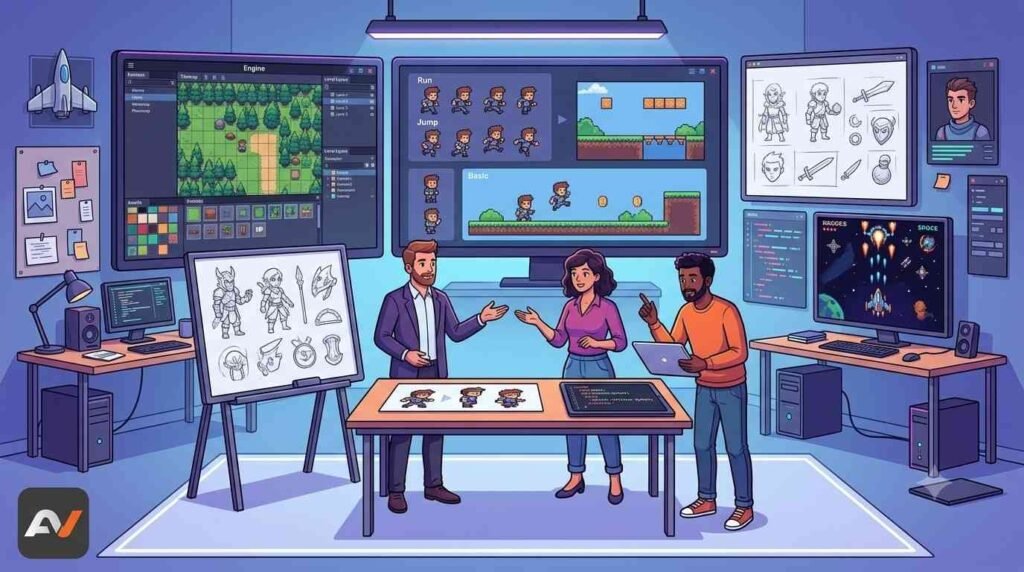
Choosing an engine for a 2D game can affect far more than just the codebase. It can influence how quickly a prototype comes together, how easily artists and designers work inside the pipeline, how smoothly features scale over time, and how realistic your production schedule becomes. That is why conversations about the best 2d game engines are really about project fit, not just popularity. Today, developers have several strong options. Unity’s official 2D documentation highlights support for sprites, Tilemaps, and 2D physics, along with a broader toolset for world-building, animation, graphics, and gameplay systems. Godot presents itself as a free, open-source engine for both 2D and 3D projects, with official documentation emphasizing its flexibility across platforms. GameMaker continues to position itself as a 2D-focused engine built for both beginners and professionals, while also supporting exports across desktop, mobile, and console platforms. Construct, meanwhile, is built around browser-based game creation and publishing, with official docs emphasizing its direct-in-browser workflow and export options. So, while there are plenty of capable tools on the market, the right engine still depends on the kind of game you want to build and the kind of team building it. Why engine choice matters so much in 2D development A lot of people think engine choice is mainly an engineering decision. However, for a 2D game, it also affects art workflows, level design, animation, iteration speed, and long-term maintainability. For example, if your project depends heavily on sprite animation, Tilemaps, and physics-based movement, your team needs an engine that handles those systems cleanly. Unity’s official 2D resources specifically emphasize those workflows. If your team values open-source access and wants more control over how tools evolve around the project, Godot may shape production very differently. If your project is clearly 2D-first and your team wants a more purpose-built environment, GameMaker may feel more aligned from the start. That is why the engine can shape the project long before launch. It affects how fast you move, how flexible your pipeline feels, and how much friction the team encounters while building the game. The strongest 2D game engines are not all built with the same priorities in mind One reason engine comparisons often become messy is that developers sometimes treat every engine as if it is solving the exact same problem. In reality, each one is optimized around different priorities. Unity is broad. Its 2D toolset sits inside a much larger engine ecosystem, which can be useful for teams thinking about cross-platform releases, long-term scalability, or even hybrid 2D/3D needs. Godot is flexible and open. Its official documentation presents it as a user-friendly, community-driven engine with no usage restrictions, which can be attractive for teams that care about openness and control. GameMaker is focused. Its official messaging centers directly on making 2D games, with workflows designed around that type of development rather than broader engine complexity. Construct is streamlined. Because it is browser-based and built around fast creation and publishing, it often appeals to teams that want quick production loops or lighter technical setup. So, before comparing them, it helps to accept that “best” is not a universal label. It is a project-specific answer. Unity can shape a project through scale and flexibility Unity is often one of the first engines people mention, and that is not surprising. It supports both 2D and 3D development, while its official 2D feature set includes sprites, animation, Tilemaps, lighting, graphics, and physics. This can shape a project in useful ways. A team building a 2D game with future expansion in mind may appreciate Unity’s broader ecosystem. Likewise, teams that expect more complex production needs later may prefer working in an engine that already supports a wide range of systems. That can matter if the game may grow into a live-updated title, a cross-platform release, or something with more technical demands later in development. At the same time, Unity is not automatically the right pick for every 2D project. A smaller team making a tightly scoped pixel-art game may not need that level of breadth. So, while Unity is a strong option for teams that want range and long-term scaling, it may feel heavier than necessary for simpler productions. Godot can shape a project through control and openness Godot has become a much more serious part of the 2D engine conversation, especially because of its open-source foundation. Its official site describes it as a free and open-source engine for both 2D and 3D development, while its documentation highlights support for desktop, mobile, and web releases. That can affect a project in a different way. Some teams want flexibility, transparency, and a workflow that feels less tied to one commercial ecosystem. Godot can be especially appealing there. It may also be attractive for developers who want a tool that feels lighter, more direct, or more customizable around their needs. So, if a project needs a flexible engine and the team values open development models, Godot can be one of the most practical choices among the best 2d game engines available right now. GameMaker can shape a project through 2D-first efficiency GameMaker remains one of the clearest examples of a 2D-focused engine. Its official site describes it as a tool for making 2D games, while its features emphasize accessibility for beginners as well as support for more advanced creators. It also offers both GML code and GML visual workflows. That focus can shape a project very positively when the game is clearly 2D-first. If the team is making a platformer, arcade game, action title, puzzle game, or sprite-driven adventure, a dedicated 2D workflow can reduce unnecessary complexity. In practice, that often means faster iteration and a shorter path from concept to playable build. It can also influence staffing and production decisions. Teams that do not want the overhead of a broader engine may find GameMaker easier to align with their project scope. That is one reason it stays relevant in conversations about the best engines for 2D production. Construct can shape a project through speed