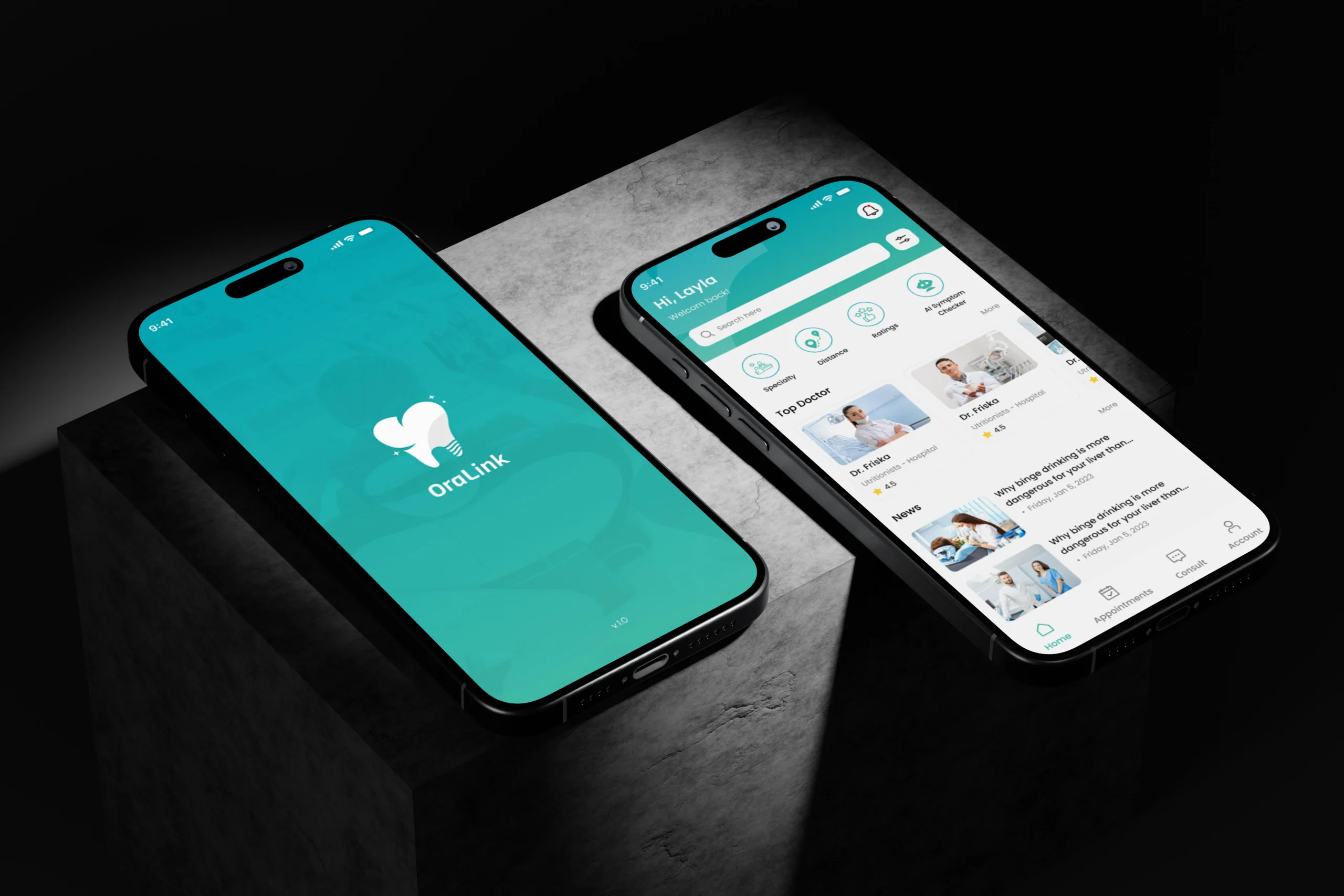
Deploying iOS Applications: From Development to App Store Launch

Introduction Building the application itself is only the starting point in the iOS app lifecycle. The real challenge begins when developers prepare the application for release. Deploying iOS applications involves several technical, operational, and strategic steps—from preparing the codebase to successfully launching on the App Store. Understanding this process helps developers avoid delays, improve app quality, and deliver a smooth experience for users. This guide explains the essential stages that take an iOS app from development to a successful App Store launch. Understanding the iOS App Deployment Process Before an app becomes available to users, it must go through a structured deployment pipeline. Apple maintains strict guidelines to ensure quality, privacy protection, and performance across its ecosystem. Typically, the deployment workflow includes: Each stage plays a role in ensuring that the application meets Apple’s technical and user experience standards. Preparing the App for Release The first step in deploying an application is preparing the codebase and assets for production. During this stage, developers focus on stability, performance, and user readiness. To begin with, developers should verify that the app: In addition, developers must ensure that the app handles edge cases properly, such as poor network connectivity or unexpected user behavior. Addressing these scenarios early helps prevent negative reviews after launch. Setting Up Certificates and Provisioning Profiles Next, developers must configure Apple’s security framework. Every iOS application requires proper signing before it can run on devices or be distributed through the App Store. This process involves creating: These credentials ensure that Apple can verify the authenticity of the application and the developer behind it. Although the setup may appear complex at first, tools within Xcode now automate much of the process. Testing Before Deployment Testing is one of the most important steps in deploying iOS applications. Even well-written code can behave differently across devices, screen sizes, and operating system versions. Therefore, developers should conduct multiple types of testing, including: Apple’s TestFlight platform allows developers to distribute beta versions of their app to internal teams and external testers. This feedback loop helps uncover issues before the public release. As a result, apps that go through extensive testing tend to receive faster App Store approval and better user ratings. Uploading the App to App Store Connect Once testing confirms the app is stable, developers can send the build to Apple’s release system. Xcode connects directly with App Store Connect, Apple’s system for managing and distributing apps, Apple’s platform for managing applications. To upload the build, developers typically: After the upload is complete, the build becomes available for further configuration, including metadata, screenshots, and pricing. At this stage, many teams collaborate with experienced ios developers who understand Apple’s ecosystem and can streamline the final deployment process. Preparing App Store Metadata Publishing an application requires more than simply uploading code. Developers must also prepare detailed information about the app so users can discover and understand it. Key elements include: This step connects closely with how to publish an app to the app store, because the listing itself influences whether users download the application. Clear descriptions and engaging visuals help users quickly understand what the app does and why it is valuable. App Review and Approval Before an application becomes available to the public, Apple reviews it to ensure compliance with its policies. The review process evaluates several factors, including: If the app meets Apple’s requirements, it receives approval and becomes eligible for release. However, if issues arise, developers may receive feedback requesting changes. Responding quickly and professionally to review feedback helps maintain a smooth launch timeline. Launching the Application After approval, developers can schedule or immediately release the application to the App Store. Once live, the app becomes available for download worldwide or in selected regions. However, launching an app is only the beginning. Successful teams continue monitoring performance metrics such as: Analyzing this data allows developers to refine the product through updates and improvements. Improving Visibility After Launch Even a well-designed app needs visibility to succeed. Therefore, developers often invest time in improving discoverability within the App Store. This is where app store optimization services become valuable. These strategies focus on increasing an app’s visibility in search results and improving its conversion rate. Common optimization techniques include: Over time, these improvements can significantly increase downloads and user engagement. Maintaining and Updating the App Deploying iOS Applications is not a one-time event. Instead, it serves as the foundation for future updates and product enhancements. After launch, developers should focus on: Regular updates demonstrate ongoing support and help maintain user trust. Final Thoughts Successfully deploying iOS applications requires more than technical knowledge. It demands careful planning, thorough testing, and an understanding of Apple’s ecosystem. From configuring certificates to preparing App Store listings, each stage contributes to a successful release. Furthermore, continuous monitoring and optimization ensure the application continues to grow after launch. For developers and businesses alike, mastering the deployment process transforms a finished app into a product that reaches real users and delivers lasting value.